BrixLoading

Recipes

Standard and Analytic recipes and links from semi-finished and finished product definitions

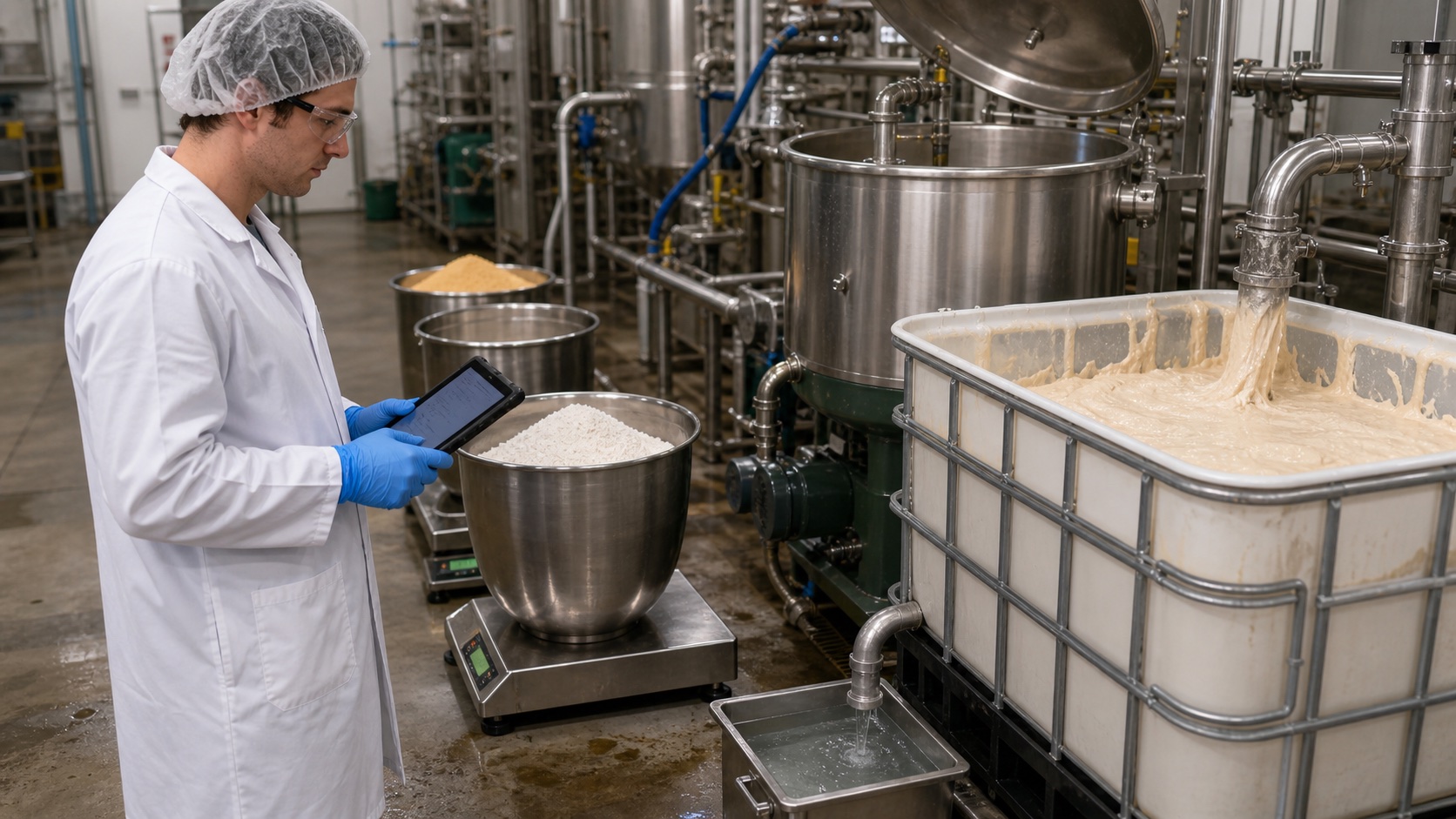
Production worker checking weighed material and tablet records beside stainless processing equipment
Representative production image; not an application screenshot or a customer facility photograph.

Recipe Types

How recipe structures are used

Recipes: Standard and Analytic

The Recipes screen keeps Standard and Analytic groups separate. Access to the Analytic group depends on company settings and user permissions. The info icon beside Class explains three options: Semi-product & Product, Semi-product and Product.

Semi-product & Product describes formulas used as shared components in recipes for both product types. Group and output unit are separate fields.

Linking Recipes from Definitions

First save the semi-finished or finished product in Definitions. Choose Link Recipe on its row to open the recipe editor. Select a recipe compatible with the production group and output unit. Check the linked quantity and, if you have permission, the costs before saving.

The Semi-finished Product Link Code and Finished Product Link Code identify the link record. The Recipe name column shows the selected recipe’s name. A green check on the definition row shows a link and an amber warning shows that the record has no link. Loading and read errors have separate indicators.

When defining a semi-finished product, choose the packaging unit first. Unpackaged requires a quantity unit. The quantity-per-package field stays hidden for this selection.
Cost and Version Logic

Recipe price and change control

Cost Summary

Recipe cost combines material prices, packaging, labor, energy and other cost items. The summary exposes component-level values and the total.

Review affected recipes when a material price changes.

Tip: Keep tax-exclusive and tax-inclusive values distinct. Recipe cost supports production and pricing decisions.

Change History

Recipe changes directly affect production results. Creation, updates and deletion should therefore remain traceable through tenant activity logs and reference records.

Related Brix modules

  • Recipe Management

    Manage Standard and Analytic recipes. Link semi-finished and finished products to recipes from their definition rows.

  • Automated Nutrition Calculation

    Calculate raw and auxiliary material nutrition data through the recipe chain and generate nutrition tables for semi-finished and finished products.

  • Semi-finished Product Management

    Track semi-finished definitions, recipes, inventory and production orders separately from finished products.

Continue with these guides